Initial Setup
Initial setup for Repository Stack 3.
- Download and install Repository Stack 3.
- Place the Repository Stack 3 on the page.
- Select the Width of the file manager. The container widths are based on the Bootstrap container classes of Blankstrap 5 and Foundry 3. For other themes select None (Width of the Stack): Repository then takes the width of the stack, so you can place it e.g. inside a container or column stack of your theme.
Afterwards, perform the authentication and installation directory settings, and select the permissions.
When you place Repository Stack 3 on a page, you can add further content to the same page, like login information, branding or a footer.
Republish all files after installing or updating the stack.
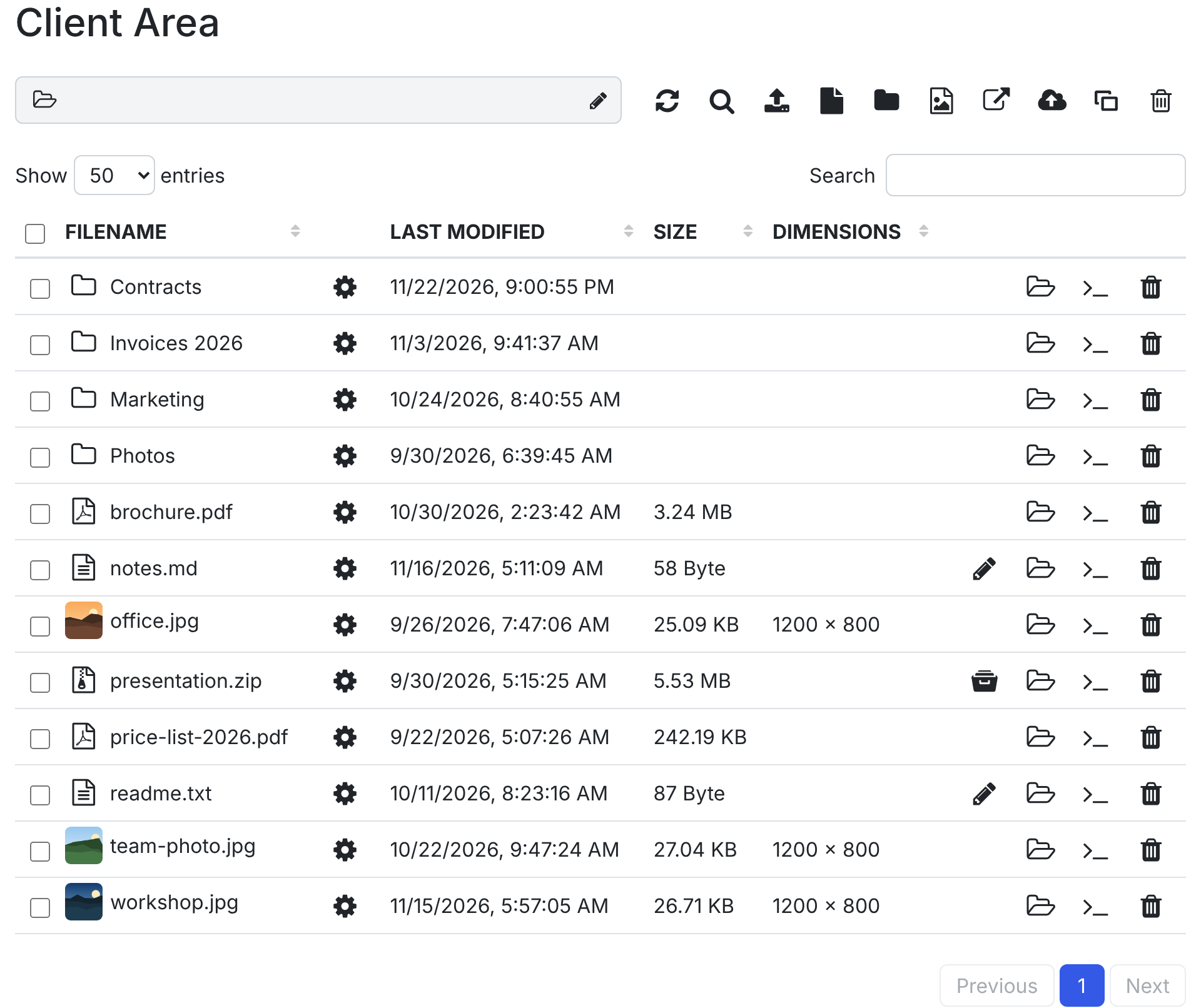
Repository Stack 3 on a page with a Bootstrap 5 based theme: